AI Workflows vs. AI Chatbots: What Revenue Teams Actually Need
Every software vendor is suddenly "AI-powered."
Your CRM added a chatbot that writes emails. Your sales engagement platform has an AI assistant that suggests next steps. Your marketing automation tool now generates subject lines with GPT.
Meanwhile, your actual problems haven't changed:
- Leads still sit in queues for hours
- High-value opportunities still get mis-routed
- Your team still manually triages 200 inbound inquiries per week
- Coverage gaps still lose you deals on weekends
Here's the uncomfortable truth: You don't need AI that talks. You need AI that works.
Let's break down the difference.
What Most "AI-Powered" Tools Actually Do
The Chatbot Pattern
What they promise: "Our AI assistant helps your team work faster!"
What they deliver:
- Summarizes an email thread (that you could read in 30 seconds anyway)
- Suggests a response (that you have to edit heavily)
- Generates a cold outreach template (that sounds like every other AI-generated email)
What they don't do:
- Actually route the lead anywhere
- Make a decision about priority
- Trigger an action without you clicking buttons
- Connect to your other systems
The result: Your team has a fancy autocomplete feature. The actual work—deciding who should handle this, when, and what to do next—still happens manually.
The Co-Pilot Problem
Co-pilots sound great in theory. "AI works alongside you!"
In practice:
- You still open the tool
- You still paste in context
- You still review the AI's work
- You still copy/paste the output somewhere else
- You still make the decision
- You still trigger the action
The AI saved you 3 minutes of typing. It didn't save you from opening 4 tools, making 6 decisions, and executing 8 manual steps.
For one lead? Sure, that's fine.
For 500 leads this month? You just burned 40 hours on stuff that should be automatic.
What AI Workflows Actually Do
An AI workflow isn't a chatbot you talk to. It's infrastructure that runs while you sleep.
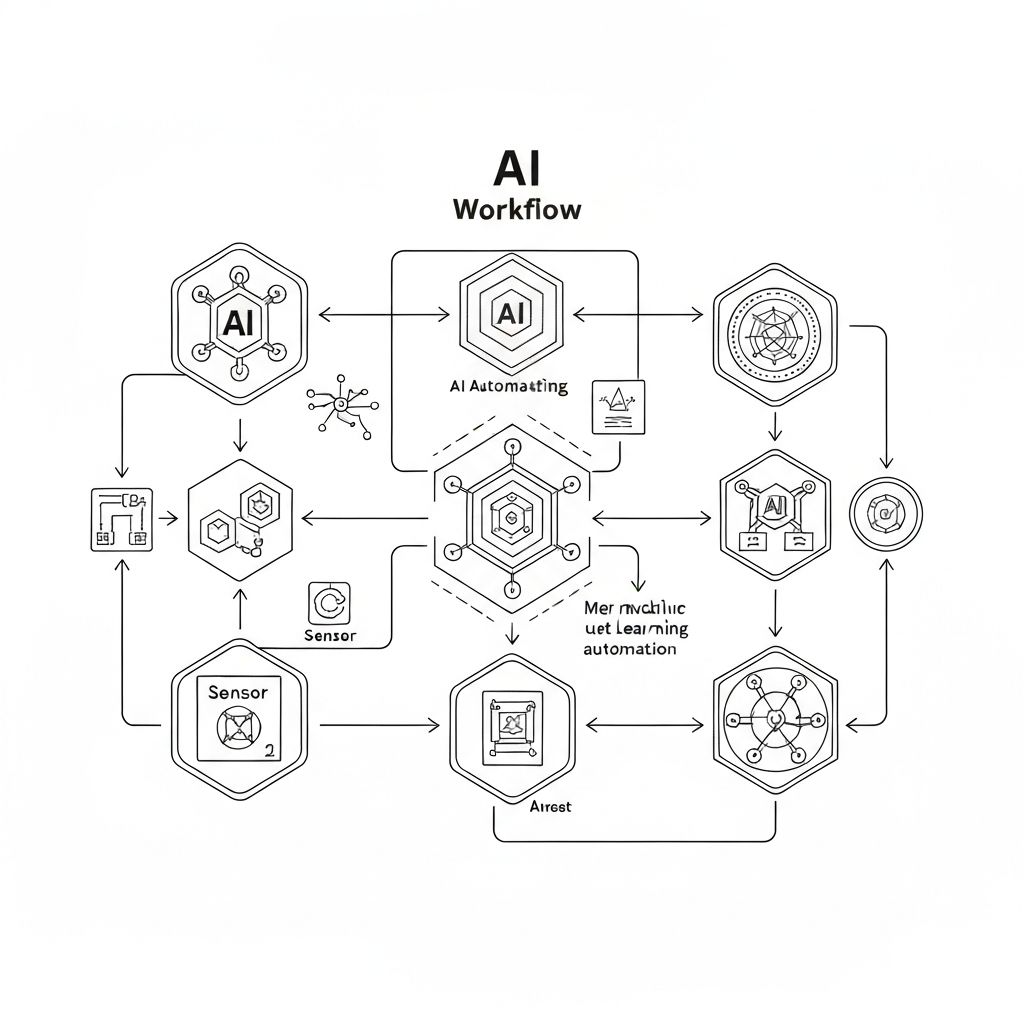
The pattern: 1. Data comes in (lead form, email, CRM update, market feed) 2. System normalizes it into structured format 3. AI scores, classifies, or summarizes based on your rules 4. System makes a decision (route, escalate, wait, archive) 5. System triggers actions (CRM update, Slack post, email, task creation) 6. System logs everything for audit
You're involved in: Setting the rules and reviewing exceptions.
You're not involved in: The 487 other leads that scored high-confidence and routed perfectly.
Real Example: Lead Scoring
With a chatbot/co-pilot: 1. Lead comes in via form 2. Someone gets a notification 3. They open the lead in CRM 4. They paste info into AI tool: "Score this lead" 5. AI returns: "This looks like a good fit because..." 6. They copy the score back to CRM 7. They manually assign to a rep 8. They send Slack message to rep 9. Rep gets notified and starts work
Time per lead: 8-10 minutes Leads handled per hour: 6-7 Weekend leads: Sit until Monday
With an AI workflow: 1. Lead comes in via form 2. System auto-ingests, normalizes fields 3. System scores based on firmographics + intent signals + recent behavior 4. High score (>85) + high confidence → auto-routes to appropriate rep based on territory, capacity, and availability 5. Slack message auto-posts with context: "New high-intent lead: [name], [company], scored 92/100, because [reasons]" 6. CRM auto-updates with score, reasoning, and assignment 7. If no response in 30 min, escalates to backup
Time per lead: 0 minutes (for high-confidence scores) Leads handled per hour: All of them Weekend leads: Processed and routed in real-time
The difference: One is a helpful assistant. The other is infrastructure.
When Chatbots Actually Make Sense
Chatbots aren't useless. They're just oversold.
Good use cases for AI chatbots:
- Writing assistance when you need creative help (emails, positioning, content)
- Exploratory analysis when you're not sure what question to ask
- Learning and research when you need to understand something new
- Brainstorming when you want to explore options
Bad use cases for AI chatbots:
- Anything that happens more than 10 times per week
- Anything with a clear trigger → decision → action pattern
- Anything that needs to run when you're offline
- Anything that involves updating multiple systems
The rule: If you're doing the same task repeatedly with an AI chatbot, you're using the wrong tool. You need a workflow.
Why Revenue Teams Keep Choosing Chatbots (And Regretting It)
Reason #1: They're Easier to Demo
Chatbot demo: "Watch our AI summarize this email thread! See how it suggests next steps! Look how fast it generates a response!"
It's visual. It's impressive. Decision-makers nod.
Workflow demo: "Here's a log of 1,000 leads that got scored, routed, and actioned over the last week."
It's... a spreadsheet. It doesn't have the razzle-dazzle. But it's the tool that actually scales.
Reason #2: They Don't Require Process Change
Chatbot adoption: "Install this Chrome extension. Now you have AI! Everything else stays the same."
Workflow adoption: "Connect your systems. Define your scoring criteria. Set routing logic. Build fallback rules."
It's more work upfront. But it's the difference between a toy and a system.
Reason #3: The ROI Isn't Obvious
Chatbot ROI pitch: "Save your team 30 minutes per day on email writing!"
Workflow ROI reality: "Reduce lead response time from 4 hours to 8 minutes, catching deals you would have lost."
One sounds like productivity theater. The other is actual revenue impact. But it requires you to measure things you weren't tracking before.
The Build vs. Buy Trap
Here's where most teams get stuck:
Option A: Buy chatbot tools
- Easy to implement
- Minimal technical lift
- Solves surface-level problems
- Doesn't scale
- Costs keep adding up per seat/user
Option B: Build custom workflows
- Requires engineers
- 6-12 month project
- Breaks when requirements change
- Becomes technical debt
Option C: Buy workflow infrastructure (This is where StratumIQ fits)
- Pre-built connectors to your systems
- Template logic for common use cases (lead scoring, routing, triage)
- Customizable without code
- Scales to 10,000 leads/month on day one
Most companies try Option A, realize it doesn't work, attempt Option B, burn $200K and 6 months, then give up and go back to manual processes.
What to Actually Look For in "AI-Powered" Tools
When a vendor says "AI-powered," ask:
1. "Does this make decisions, or just suggestions?"
Suggestion: AI scores a lead 87/100, you decide what to do. Decision: AI scores a lead 87/100 with 92% confidence, auto-routes to Enterprise AE, posts in Slack, and logs everything.
2. "Can this run without me?"
No: You have to paste things in, review outputs, take actions. Yes: It runs on a schedule or trigger, processes everything, only flags exceptions.
3. "What happens to the other 99 items?"
If the tool helps you with 1 lead but you still manually handle the other 99, you didn't buy infrastructure. You bought a parlor trick.
4. "Can I audit every decision it made?"
Bad answer: "Our AI uses advanced models to..." Good answer: "Here's a log showing input → score → reasoning → decision → action for every item processed. Export as JSON."
5. "What happens when it's wrong?"
Bad answer: "Our AI is 95% accurate!" Good answer: "We flag low-confidence decisions for human review. You set the thresholds. Nothing high-risk happens automatically unless you explicitly allow it."
The StratumIQ Philosophy
We didn't build a chatbot. We built the infrastructure that makes AI useful at scale.
What that means:
You set the rules: "High-intent leads go to Sarah. Enterprise deals go to Mike. Anything international gets flagged for review."
We run the logic: Ingest data from anywhere, normalize it, score it, decide what to do, and execute actions—24/7, even when your team is offline.
You review exceptions: "This lead scored 72 but confidence was only 68%. Want to review before routing?"
We handle everything else: The 437 leads this month that scored cleanly, routed perfectly, and turned into pipeline without anyone touching them.
No chatbots. No "paste this in and see what the AI says." Just infrastructure that works.
What to Do This Week
Audit your current "AI-powered" tools:
Monday: List every tool you're paying for that has "AI" in its marketing.
Tuesday: For each tool, answer: "Does this make decisions, or just suggestions?"
Wednesday: Calculate: "How much time are we spending using AI assistants vs. how much time would we save if this just ran automatically?"
Thursday: Ask your team: "What do you use the AI features for?" vs. "What do you wish happened automatically?"
Friday: Make a list of repetitive tasks that involve: trigger → score/classify → decide → act. Those should be workflows, not chatbot tasks.
The Bottom Line
Chatbots are fun. Workflows are infrastructure.
You don't need AI that impresses people in demos. You need AI that processes 1,000 leads over the weekend while you're offline, routes them correctly, and has them ready for your team Monday morning.
The companies winning right now aren't the ones with the most chatbots. They're the ones who replaced manual work with intelligent workflows.
Stop buying productivity theater. Start building systems that scale.
Ready to build lead scoring that actually works?
See how StratumIQ helps revenue teams deploy self-correcting scoring in hours, not months.
See How It Works